
When starting a business, early on, you need to start building a brand identity. You need a look, a feel, and a way to actually show up in the world.
When I am getting things off the ground, it’s almost impossible to justify the budget for a full-scale design agency, but I also didn’t want my brand to look like a DIY project gone wrong. That’s why I’ve become a total Canva enthusiast.
It’s not the cheapest tool on the market, but for the “all-in-one” convenience, it’s the only subscription I refuse to cancel. Here is how I use it to keep everything under one roof.
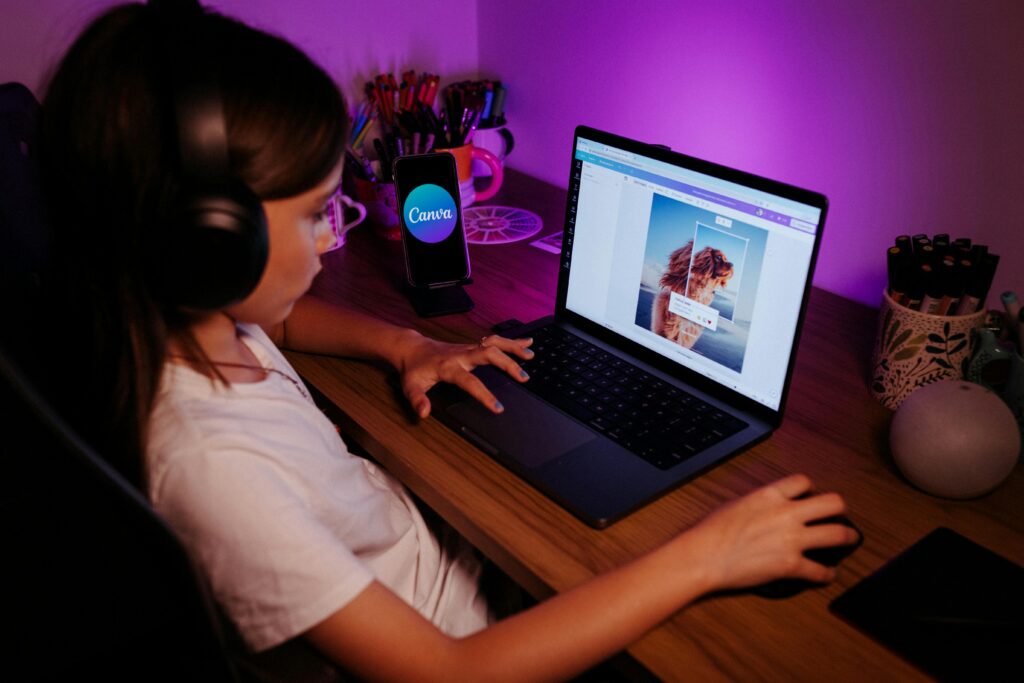
1. Create a Custom Logo
If you’re staring at a blank screen, Canva’s AI tools (like Magic Design and Magic Media) are a total lifesaver. You can:
- Generate custom images: Type in “Modern minimalist plumbing logo with a blue wrench” and watch the AI spit out dozens of custom images you can actually use.
- Template Inspiration: If you don’t like the AI results, their template library is massive. I like to find a layout I love and then strip it down to make it my own.
- Refine with AI: New for 2026, the Layered Object Intelligence means when you generate a design, you can actually move individual pieces around. It’s not just a flat image anymore; it’s a fully editable file.
2. The “Brand Hub” (Your Visual DNA)
Inside the Brand Hub, you can lock in your official hex codes, upload your logo, and designate your fonts. Now, every time I start a new design, my brand is already there waiting for me.
Pro-Tip: Use the new Brand Components. You can create specific buttons or icons for your brand that stay consistent across your website, your socials, and your flyers.
3. Print, Web, and Merch
One monthly fee covers the entire lifecycle of a marketing campaign:
- The Website Site: You can build and host a simple, professional website directly in Canva.
- The Socials: Create your Reels, posts, and banners in minutes.
- The Physical Goods: I love that you can design a flyer, business cards or even a tee shirt. Canva allows you to see your designs on a 3D mockup, and then order it.
- The Staples Integration: Since we’re in BC, this is huge. You can design your business cards or flyers and send them directly to Staples Canada for local pickup. It saves so much time (and shipping costs!).
At the end of the day, I use Canva because it lets me spend less time being a “designer” and more time actually running my business.
What’s the first thing you’re going to design for your business? Let’s brainstorm in the comments.

Leave a Comment